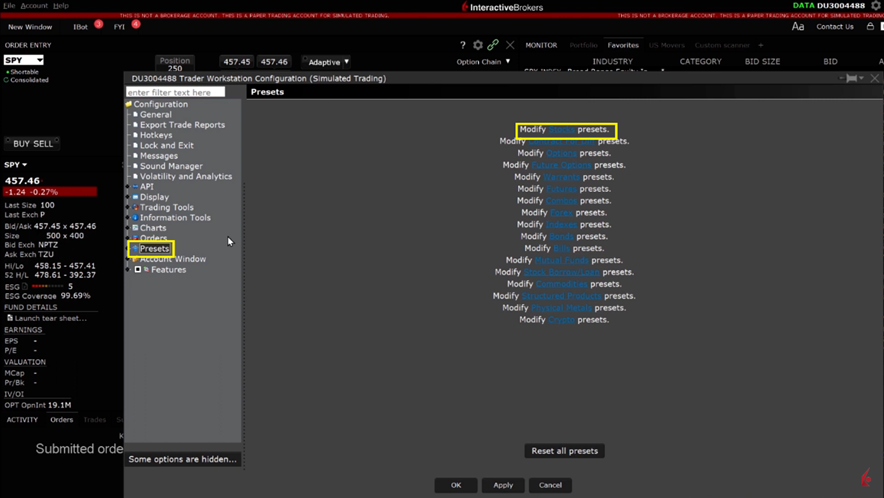
You can manage the Outside RTH attribute as a default order preset, and also on a per order basis. Open Global Configuration and select Presets from the left side menu.
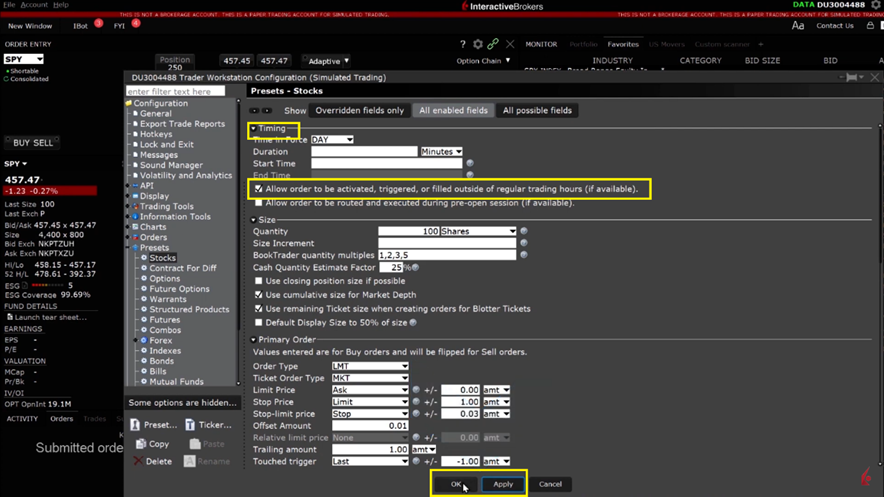
Under the Timing section, I will click to check the box for Allow order to be activated, triggered or filled outside of regular trading hours (if available). click Apply then OK at the bottom to save and activate the changes.
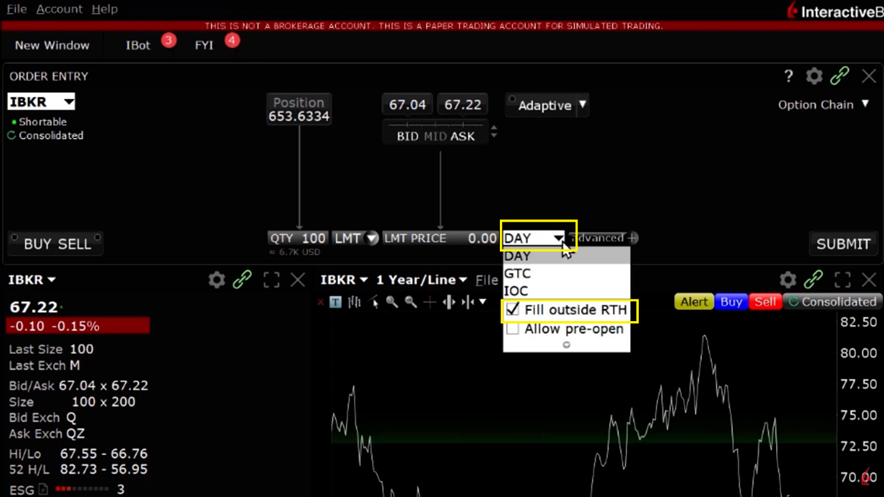
You can check the designation to fill outside Regular Trading Hours by entering a stock into the order entry and click on the Time in Force drop down.