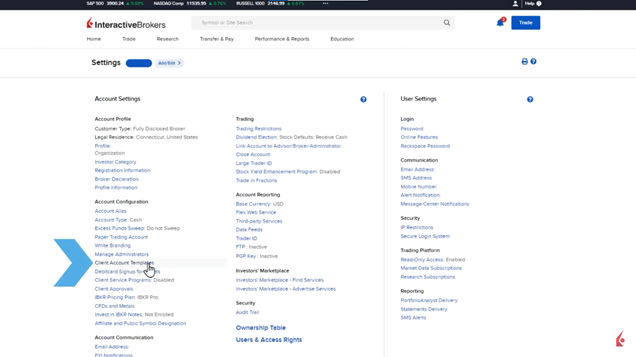
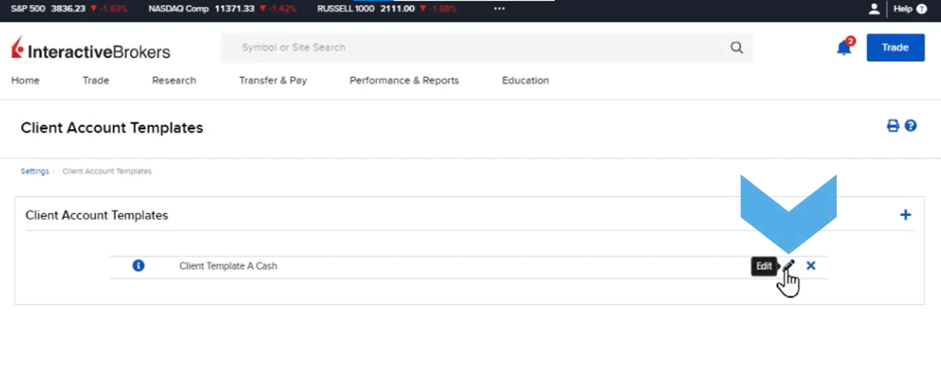
Template save time when several sending applications need to be completed in a timely manner. In the Client Account Templates, IBs can specify the account type, trading permissions and objectives. First, click the Head and shoulders icon and select Settings. Next, click on Client Account Templates to access the different templates available. Here by clicking the blue “I” icon or the Pencil edit icon the user can view and edit the templates accordingly.
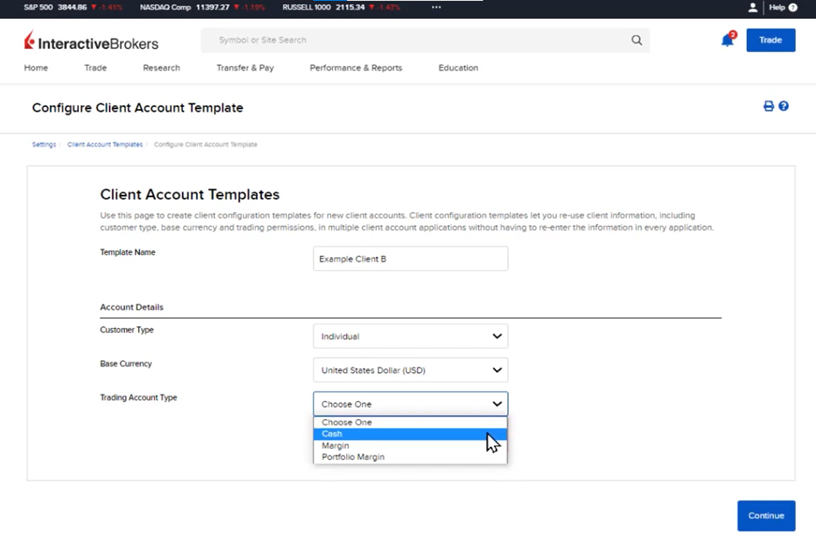
If the user wants a to add a new template, then click on the “+” icon of the screen shown above to continue filling up the fields by typing a new template name, and choosing the right customer type, base currency, and trading account type.
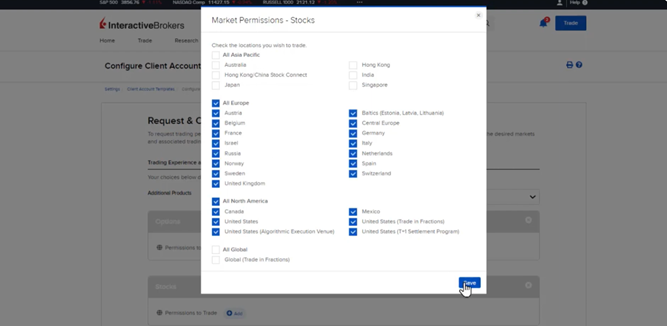
Next, IBs can select the products and regions to trade in the template account trading permissions by clicking “Add” button under each product and click the Save button.
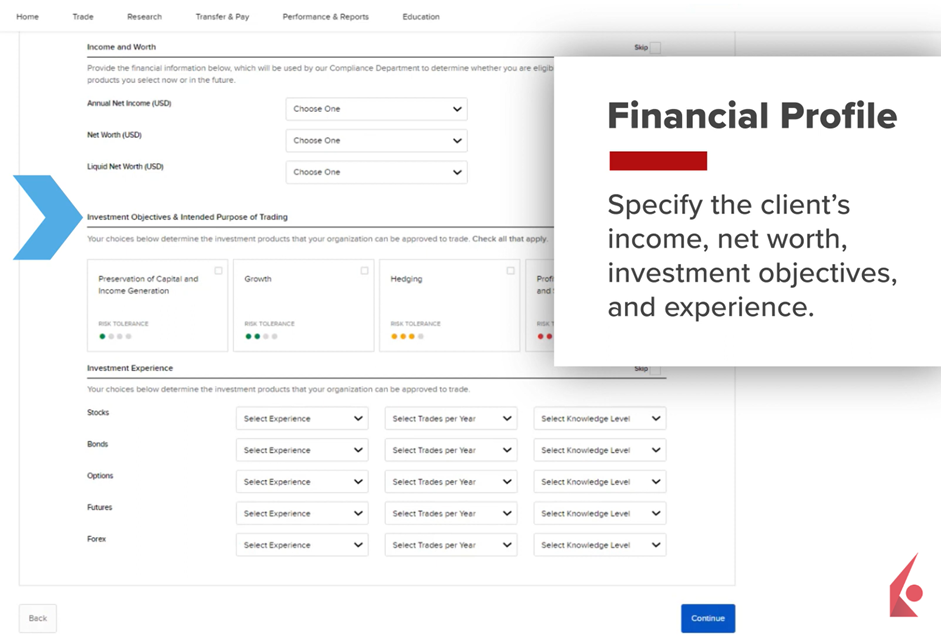
To continue with the client’s financial profile information, use the dropdown menu and select the proper amounts for Annual Net Income, Net Worth, and Liquid Net Worth. Some fields can be filled out later by checking the box located in the right side of the screen under the name “Skip”.
The Configure Client Fees page allows brokers to set their fee or markup schedule in the Account Template, choosing from manual invoicing, fee per trade unit, or interest rates. After configuring and reviewing, clicking Continue finalizes the template for application.
- Applying a Client Account Template to an Application
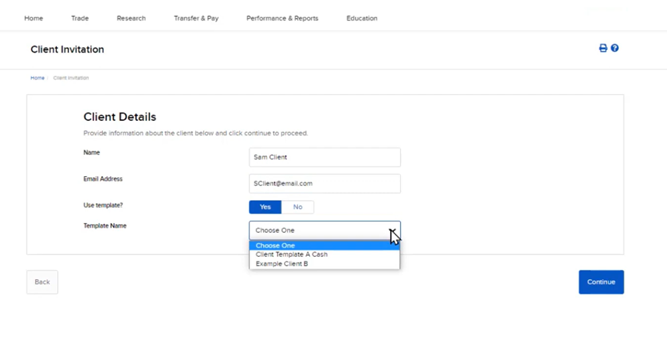
On the Home Dashboard, the broker can apply a pre-configured Client Account Template to an application invite by selecting Add Account, choosing a Fully Electronic application, entering the client’s details, selecting Yes for using a template, choosing the desired template from the drop-down menu, and then sending the invite after review. After clicking the Continue button a page is displayed to review the application and send it to the client’s email address.