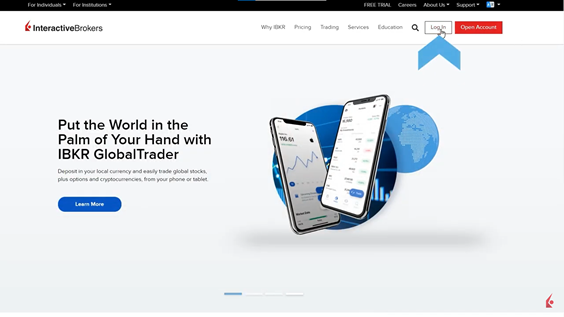
In this lesson, navigating to the Broker Portal will be covered to manage clients, access reporting features, client billing, etc. First, click in the Log In button of the main page of IBKR.
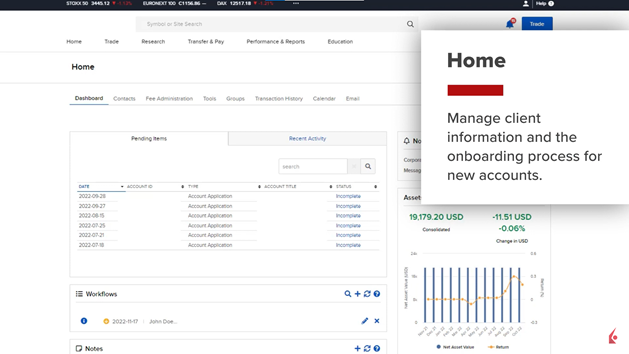
After logging in, the dashboard with specific client information will be displayed in the Home page to easily get information and onboarding process for new accounts. In this page, contacts, fee administration, tools, groups, transaction history, calendar ,a and email can be found.
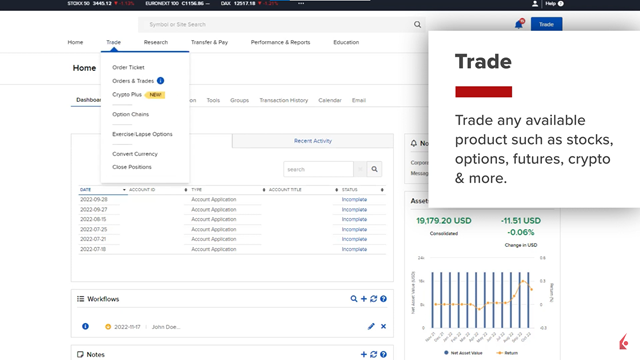
Next, in the Trade tab IBs can find available products such us stocks, options, futures, crypto, etc. Similarly, the research tab allows IBs to create watchlists and market scanners, access fundamentals explorer, and news. In the Transfer & Pay menu, deposit funds, transfer positions, monitor transaction status, etc. In the next section menu, Performance and Reports the IBs can find IBKR’s robust reporting features including PortfolioAnalyst. Finally, in the Education tab IBs can find educational resources including short videos, Trader’s Insight, and the IBKR Forum.
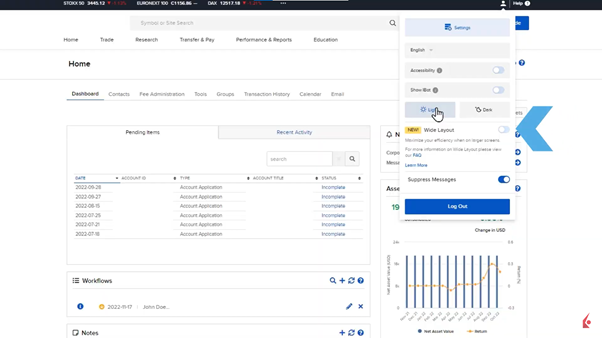
There is also a head and shoulders icon where account and user settings can be found as well as the language change option, IBot activation, Light and Dark mode feature, Wide Layout, and log out button.