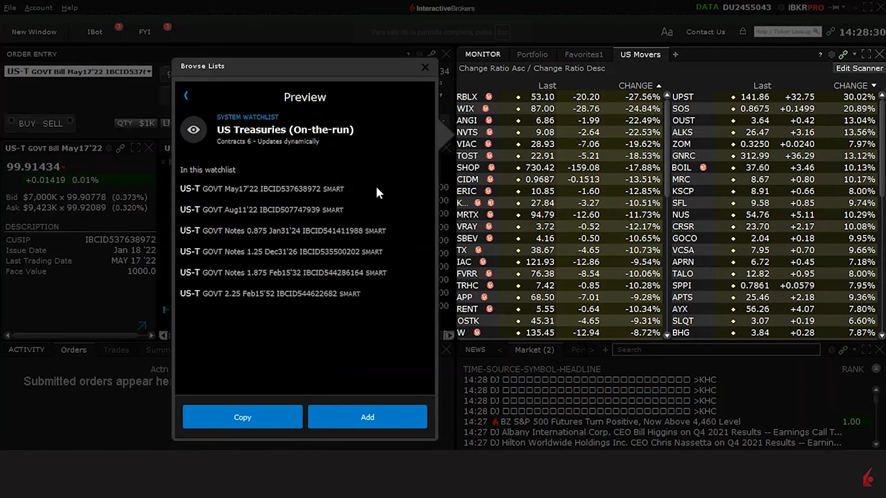
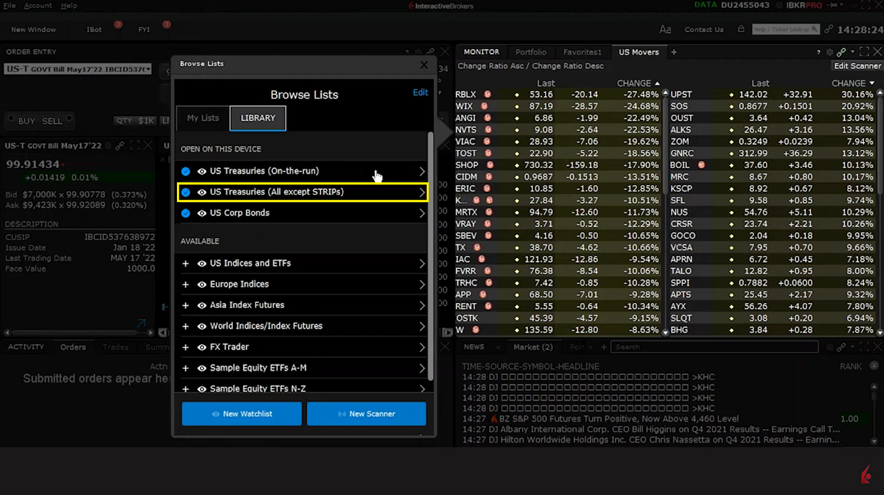
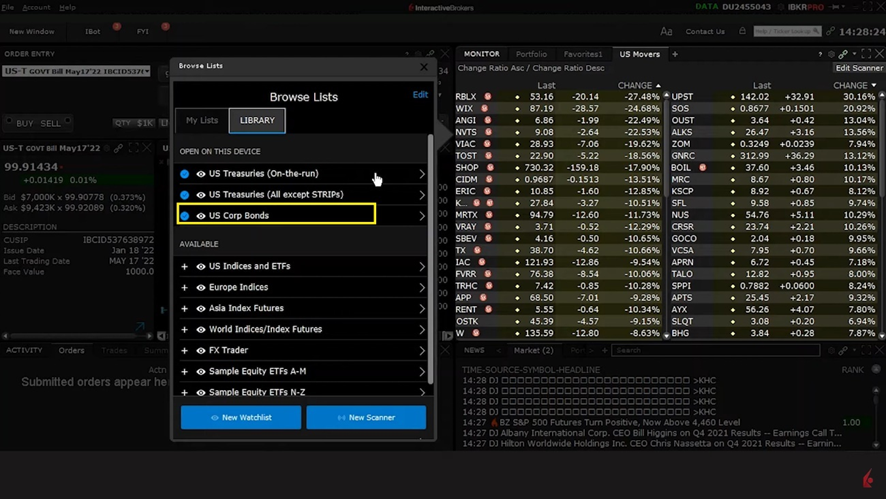
The first step in applying predefined watchlists: Click on the ‘plus’ symbol in the Monitor panel, then select Predefined Watchlists from the menu that appears. You’ll then see a list of available choices, including predefined watchlists for U.S. Treasuries and Corporate Bonds, which contain price and yield data.
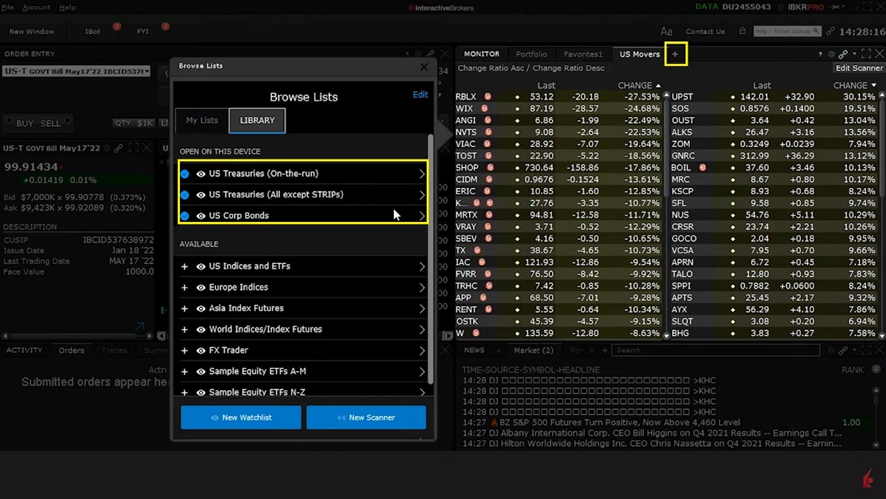
Select the U.S. Treasuries (On-the-run) predefined watchlist to obtain a snapshot of the yield curve
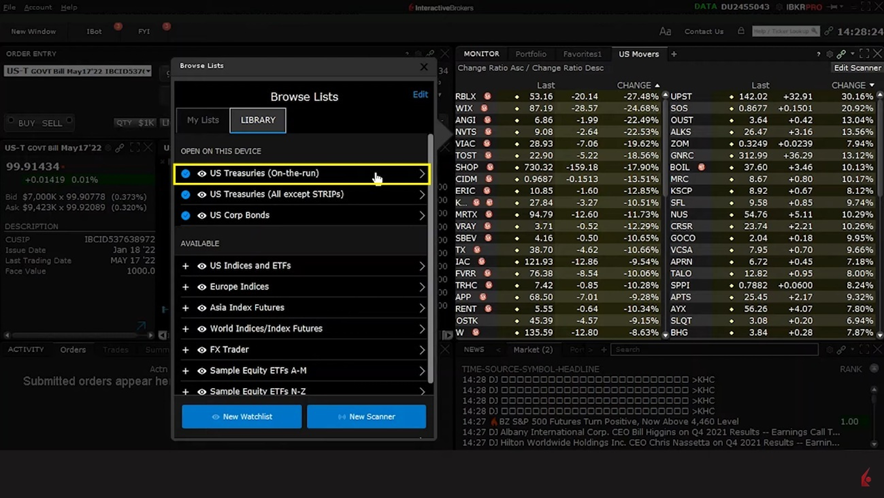
Here, you’ll see the latest prices for three and six-month bill maturities, as well as two, five and 10-year notes, and the 30-year Bond.
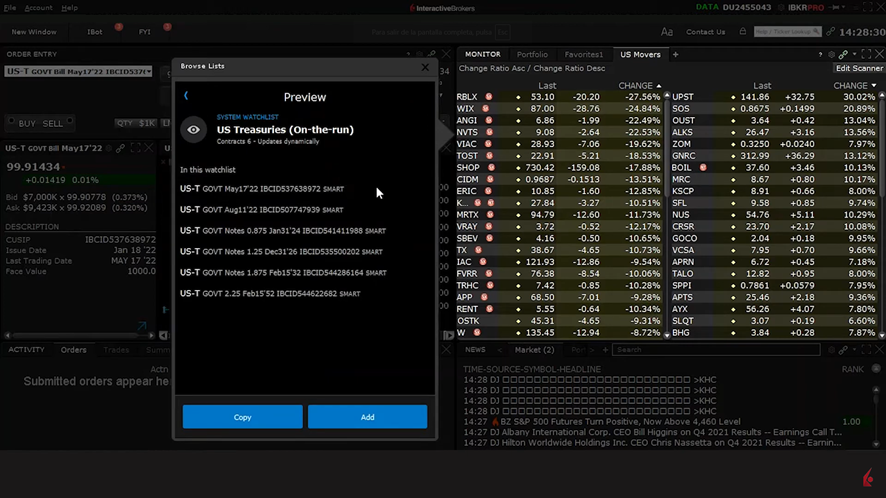
Click Add to append the watchlist as a tab to your Monitor panel.
Select the predefined watchlist U.S. Treasuries (All except STRIPs) for a more complete yield curve and add this as a tab to the Monitor panel. Once you do, you’ll notice a far lengthier list of maturities when scrolling down through the securities.
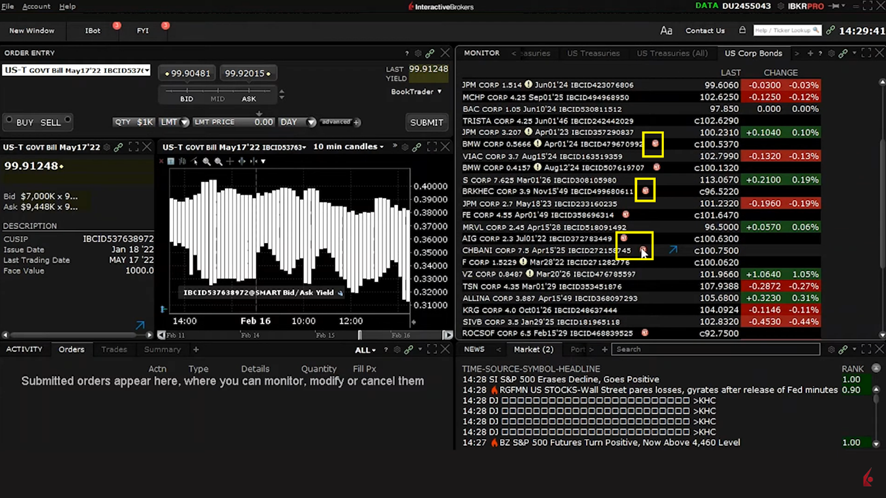
This predefined watchlist displays the last traded price and change on the day for those U.S. corporate bonds that are most actively traded.
The Financial Instrument column provides information about the specific corporate bond by the issuing entity’s ticker, coupon, maturity date, and IBCID BKR’s unique identifier. Small red and blue circular badges that follow this string of information offer further details, and if you hover your cursor over any of these.
Although the market data for predefined watchlists are fixed, you can configure them by using the ‘Copy’ function mentioned earlier.