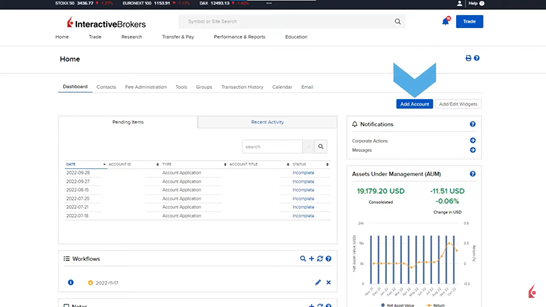
In order to initiate and send client applications as an IB, people have to direct to the Broker Portal, then locate the main area to initiate the client application inside the Home Dashboard and select the blue Add Account button in the upper right corner.
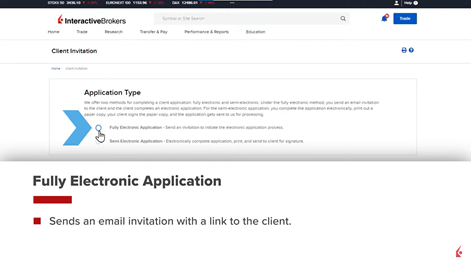
Then select the application type to Fully Electronic Application so the client will receive an email with a link or select Semi electronic Application for the broker to complete the pdf for the client to sign and submit it to the broker.
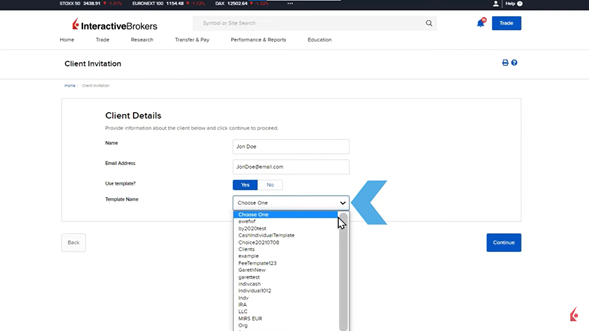
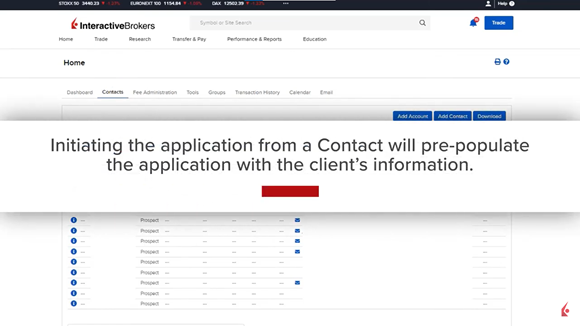
Templates can be used to complete Fully Electronic Application by selecting from the dropdown menu the right template according to the client’s profile. Another option is to complete the application from the Contacts tab where automatically the form will be completed using the info saved in the contact field to submit the application invitation by email. A mass upload feature is available via an Excel workbook template that can be requested via email to IBKR Sales Engineering Team at salesengineering@interactivebrokers.com