
We will review how to configure which messages are received within Trader Workstation and how to configure the sounds played when certain events are triggered.
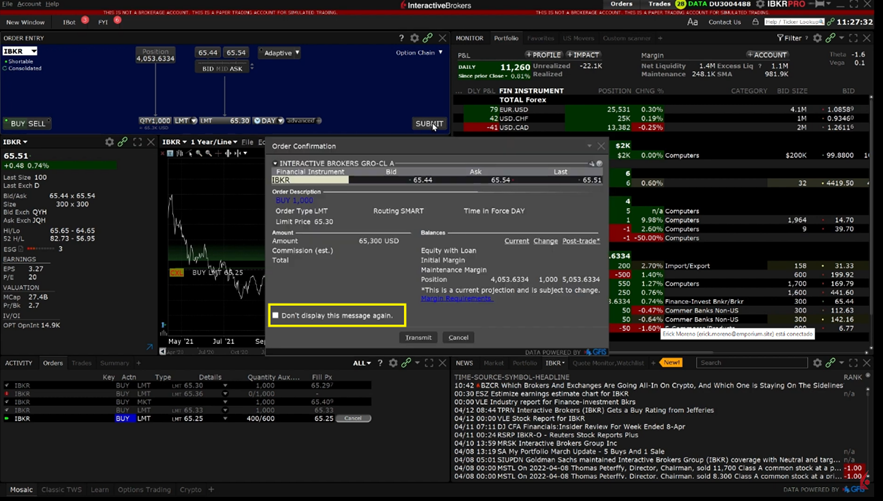
When you receive an information or confirmation message in TWS, we include a checkbox in the bottom left corner with the text “Don’t display this message again.”
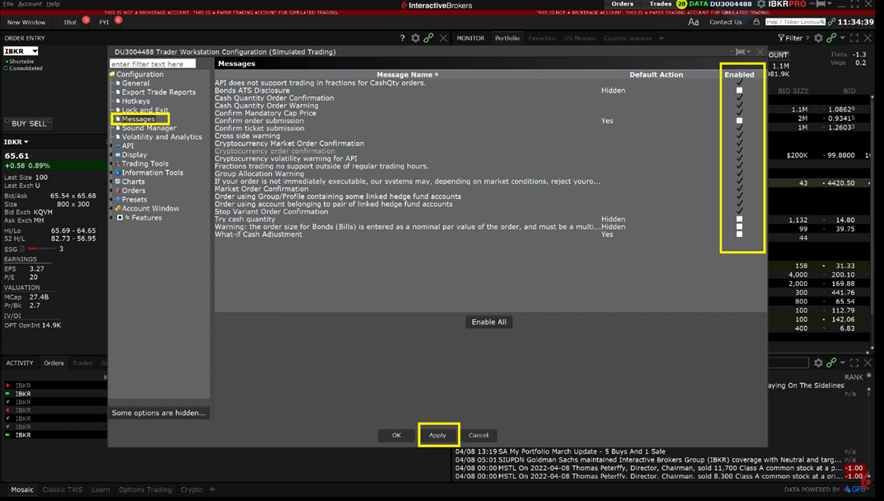
Use the check boxes on the far-right side to enable or disable certain messages. select Apply.
Next, we will review the Sound Manager.
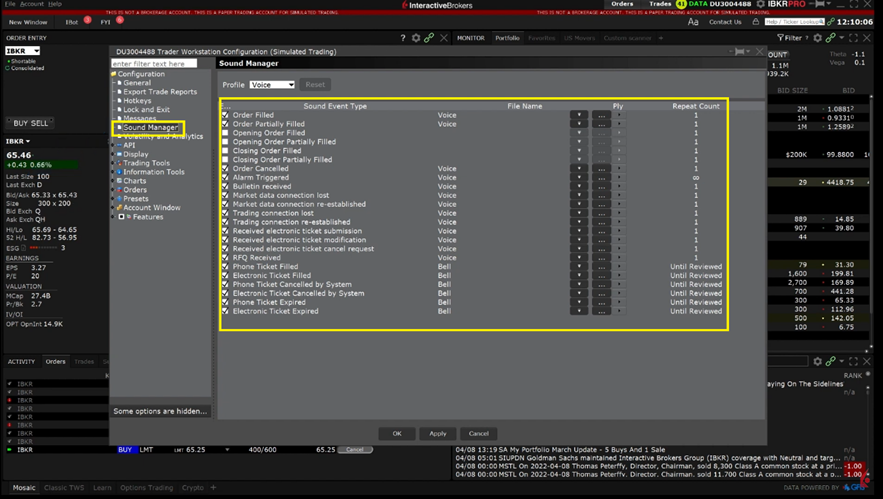
It can also be beneficial to create sound alerts within TWS to notify you when certain events are triggered.
Source: (IBKR, 2023, Messages & Sound Manager, https://ibkrcampus.com/trading-lessons/messages-sound-manager/ )