
This section provides information about how to find the status of pending applications and modify or cancel pending ones if required. Also, the tool Broker Client Approval can be learnt in this lesson.
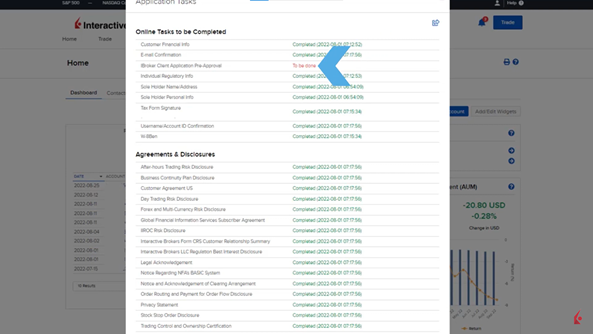
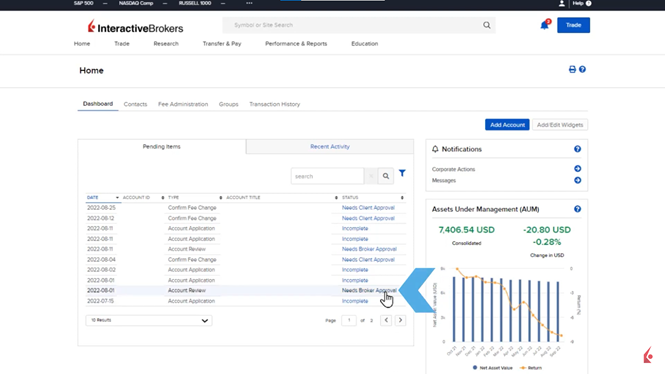
Pending applications can be monitored through the Home Dashboard of the Broker Portal, specifically in the Pending Items box. Detailed status updates can be accessed by clicking the blue “Incomplete” link under the Status column. This opens a pop-up window listing Application Tasks, where completed tasks are marked in green with a timestamp, and pending tasks are flagged in red as “To be done.”

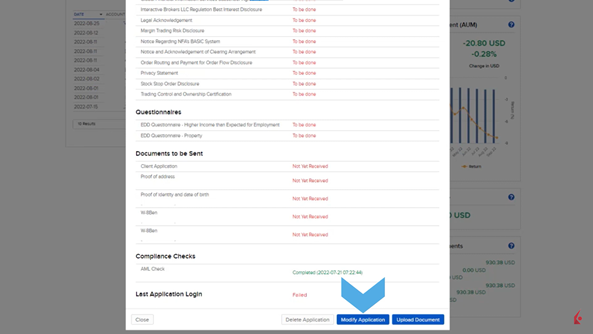
For Fully Electronic applications, brokers can view the client’s last login attempt at the bottom of the Application Tasks window, which helps in determining if the client needs assistance. The broker can also cancel the application by clicking “Delete Application” or upload supplemental documents if needed by using the “Upload Document” button. For Semi-Electronic applications, brokers can modify the application and upload required documents by clicking the “Modify Application” button, which redirects to the application page.
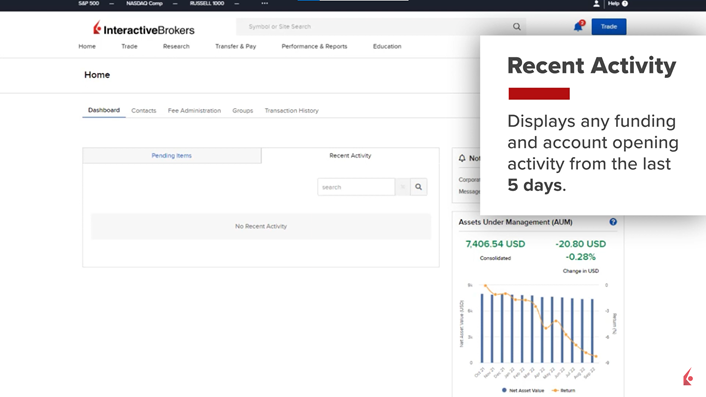
Approved applications are displayed under the Recent Activity tab, showing any client funding and application activity from the past five days, or indicating no activity if none has occurred.
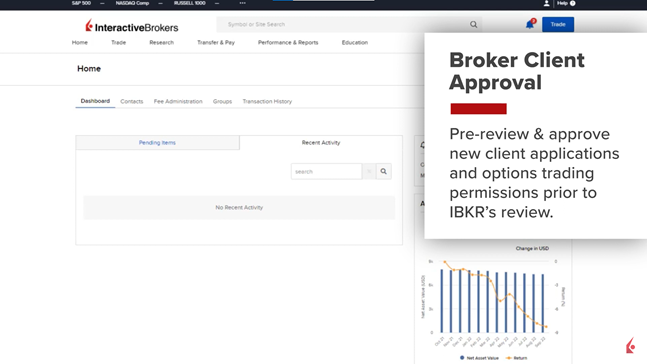
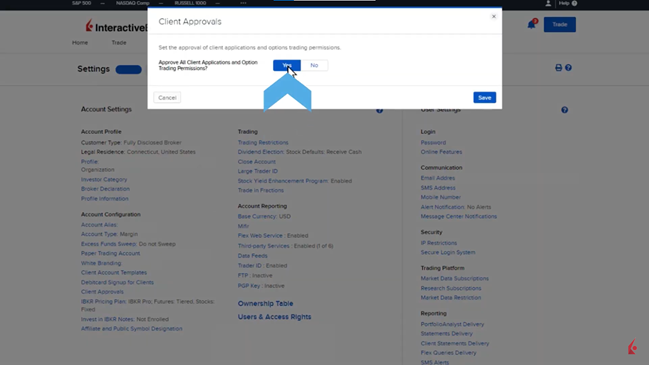
Introducing Brokers on the IBKR platform can enable Broker Client Approval to allow their compliance team to pre-review and approve new client applications and requests for options trading permissions before IBKR reviews them. To enable this, brokers need to navigate to Settings in the master broker account, select Client Approvals under the Account Configuration section, and enable Broker Client Approval.
Once a client completes an application, it moves to Account Review for the Introducing Broker’s approval. This is reflected in the Pending Items section of the Dashboard, where the broker can select “Needs Broker Approval” to review the application. The broker can then either decline or approve the application after reviewing the client information. If approved, the broker enters commentary and confirms the approval, after which the application is reviewed by IBKR.

In summary, the IBKR Broker Portal allows Introducing Brokers to monitor and pre-approve client applications before IBKR’s final review, providing comprehensive tools for application management and client assistance.